Initial Landing Page
Phishing emails commonly direct recipients to an initial landing page that is hosted on a legitimate service. Using trusted platforms helps attackers bypass spam filters and makes the attack appear credible.
Below are common examples of initial landing pages used in phishing campaigns.
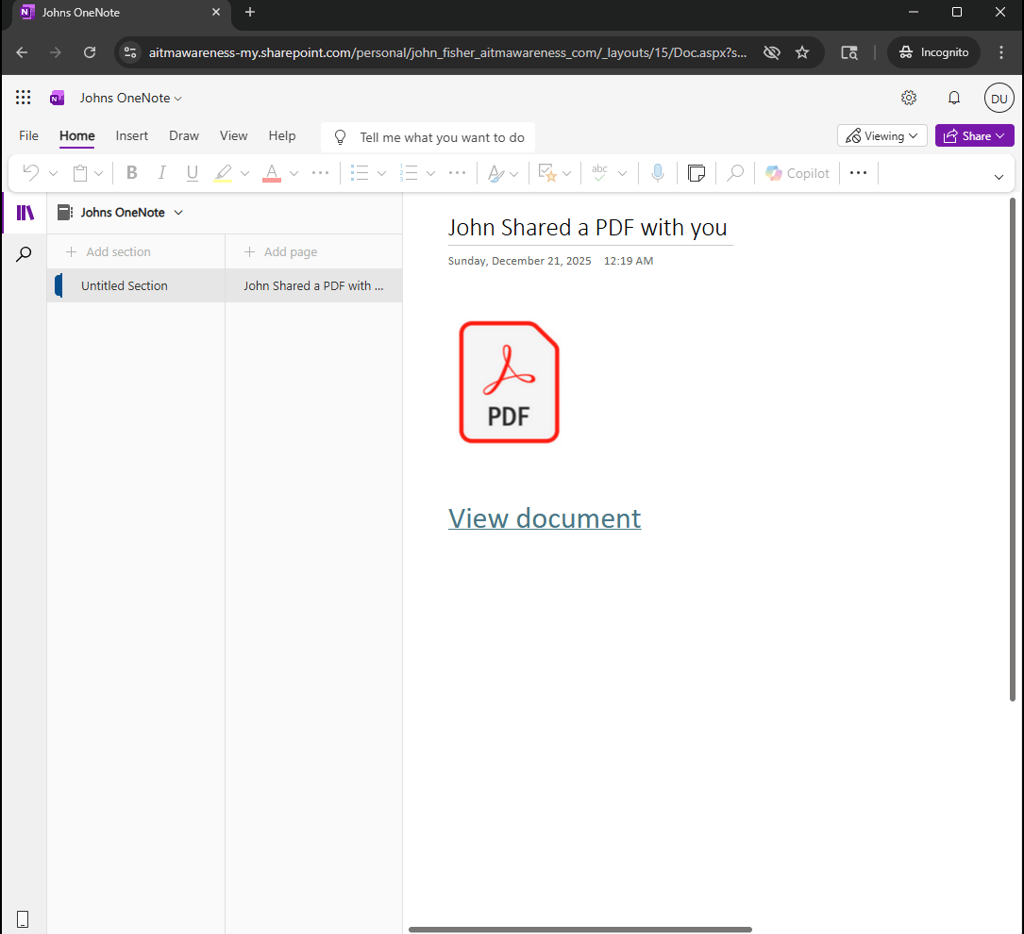
Shared OneDrive File or OneNote Page
Attackers frequently abuse Microsoft OneDrive and OneNote to host initial landing pages.
The content is shared from a real Microsoft 365 account—often one that has been compromised and may belong to someone the recipient knows—and uses Microsoft’s native sharing and notification features. Because the access flow follows normal Microsoft workflows, it appears familiar and trustworthy.
The shared file or notebook is configured to require sign-in to view, prompting the recipient to authenticate even if they are already logged in. After access is granted, the content directs the user to the next stage of the attack.
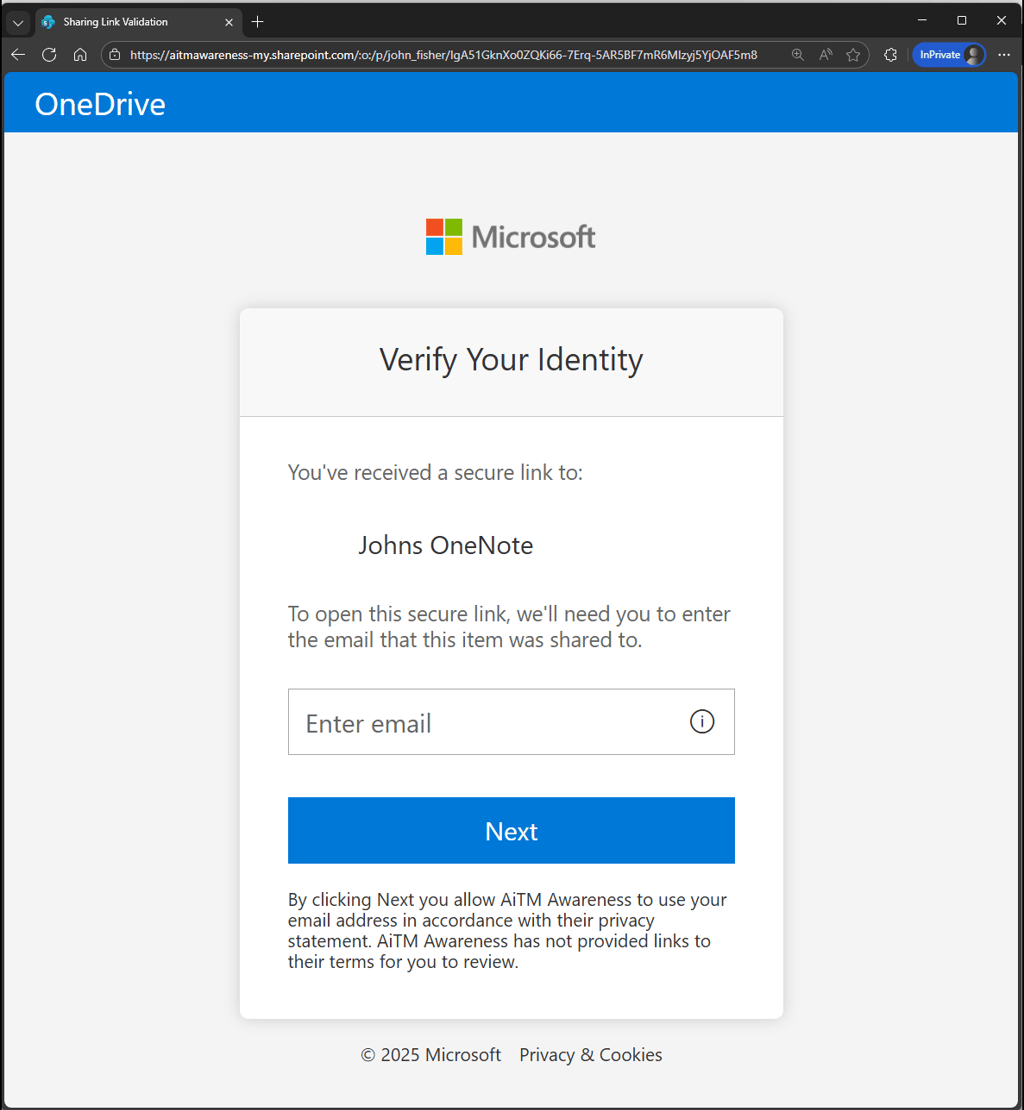
Landing page 1
Landing page 2
Shared Dropbox File
Attackers frequently abuse Dropbox to host initial landing pages used in phishing campaigns.
The content is typically shared from a legitimate or compromised Dropbox account and delivered through standard Dropbox sharing notifications. Because the access process follows normal Dropbox workflows, the page appears familiar and trustworthy to the recipient.
The shared file is often configured to require sign-in to view, prompting the user to authenticate or setup a Dropbox account. Once access is granted, the content directs the user to the next stage of the attack.